Esball login guide: fix issues & secure your account
If you’re having trouble with your esball login, this guide walks you through the correct sign-in steps, password reset, and the most common errors on both site and app. You’ll also learn simple ways to keep your esball account secure.
Whether you play on esball online, use the esball app, or switch between casino and esball live tables, these steps help you get back in quickly and safely.
Table of contents
How to log in to Esball (web + app)
Web (browser) login
- Open the official site from a trusted bookmark or the homepage: esball.
- Tap Login.
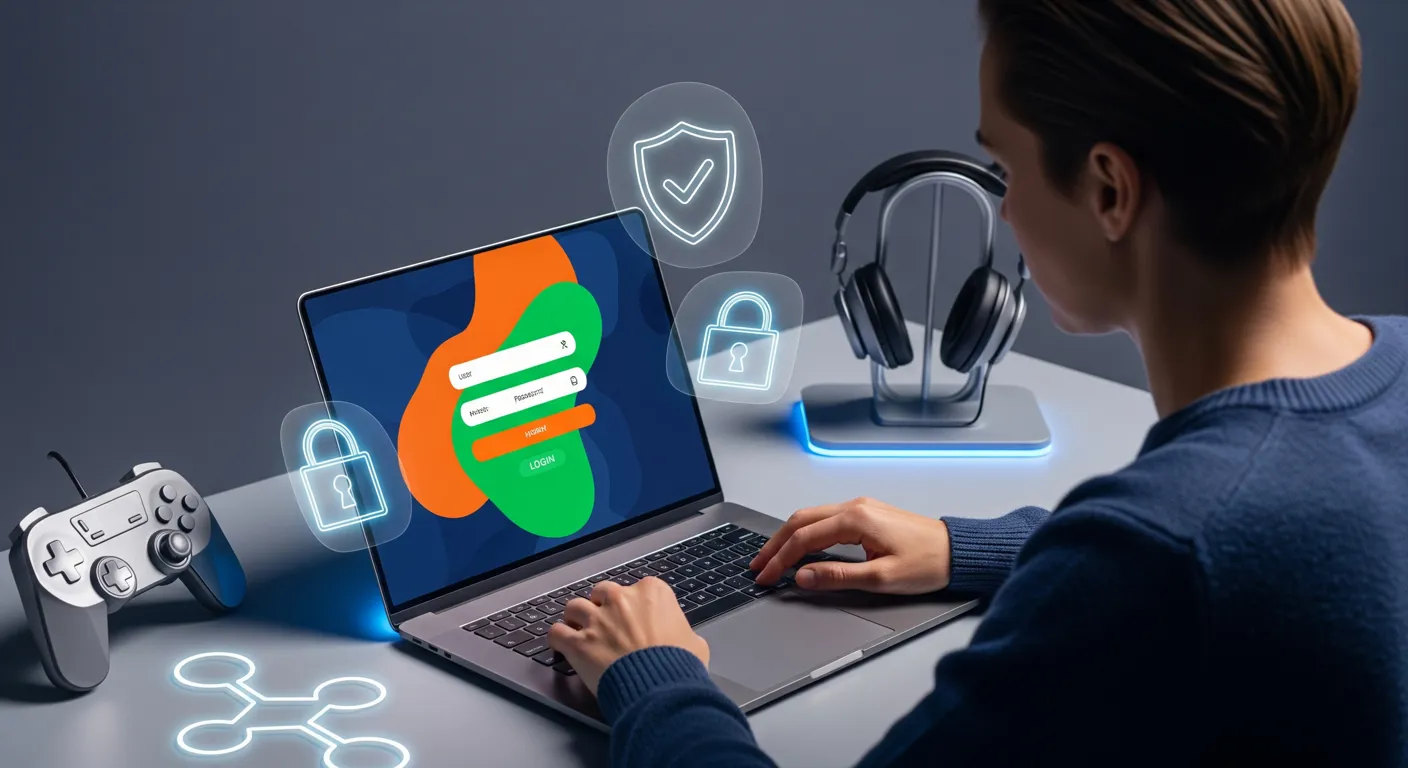
- Enter your registered mobile number/email/username (whatever you used during sign-up) and password.
- Complete any verification step (OTP/CAPTCHA) if prompted.
- Confirm you land on the account area before depositing or playing.
Tip: If you’re switching between sportsbook and casino, use the same account credentials—your session may time out after inactivity.
Esball app login
- Open the esball app.
- Choose Login.
- Enter the same credentials used on the website.
- If the app requests permissions (notifications/storage), allow only what’s required for updates and verification.
If you haven’t installed the app yet or your current build is outdated, use the official guide: app download.
Reset your password (step-by-step)
If you forgot your password or suspect it may have been exposed, reset it immediately.
- On the login screen, select Forgot Password / Reset Password.
- Enter your registered mobile number or email.
- Verify via OTP or verification link.
- Create a new password:
- Use a long, unique passphrase
- Avoid names, birthdays, or repeated patterns
- Log in again and review recent activity (if available).
If you can’t access your phone/email for OTP, skip repeated attempts and contact support—multiple failed tries can trigger a temporary lock.
If you haven’t created an account yet, start here: registration guide.
Common Esball login problems (and fixes)
Below are the issues players most often see on esball casino login, sportsbook, or esball live pages.
“Invalid username or password”
- Re-check spelling and any auto-capitalization.
- Turn off keyboard autocorrect for passwords.
- If you previously logged in with mobile number, don’t switch to email (or vice versa) unless you’re sure it’s linked.
- Reset password if you’re not 100% certain.
OTP not received
- Confirm your network signal and that you can receive SMS.
- Wait 1–2 minutes, then request a new OTP once.
- Disable SMS spam filters temporarily.
- If you’re traveling, roaming restrictions can delay OTP—try email verification if offered.
Account locked / too many attempts
- Stop trying for a while (cooldown windows vary).
- Use password reset once rather than repeated guesses.
- Contact support if you suspect unauthorized attempts.
Page not loading / blank screen
- Refresh and clear cache (details below).
- Disable aggressive ad-blockers or script blockers for the site.
- Try a different browser or switch to mobile data.
App crash or stuck on loading
- Force close the app and reopen.
- Update to the latest version from the official source: app download.
- Restart the device.
- If needed, uninstall and reinstall (note: ensure you remember your login and have access to OTP channels first).
Device, browser, and network checks
These quick checks resolve many esball online login failures without needing support.
| Check | What to do |
|---|---|
| Clear cache/cookies | Clear site data for the Esball domain, then restart the browser |
| Time & date | Set device time to automatic (incorrect time can break OTP/session security) |
| VPN / proxy | Turn off VPN/proxy; some logins are blocked for risk controls |
| Browser | Try Chrome/Safari/Firefox; update to the latest version |
| Network | Switch Wi‑Fi ↔ mobile data; reboot router if needed |
Recommended quick reset (browser)
- Close all tabs.
- Clear cache + cookies for the site.
- Reopen the browser.
- Visit esball and log in again.
Security checklist: protect your account
Use this checklist to keep your esball login secure—especially if you play frequently or store payment methods.
- Use a unique password (not reused on other sites).
- Don’t share OTPs with anyone (support should never ask for your password).
- Avoid logging in on shared devices; if you must, use private browsing and log out afterward.
- Keep your phone number and email up to date so you can recover access.
- Only install the esball app from the official source to avoid fake or modified apps.
- Watch for lookalike domains and social links; type the URL carefully or use bookmarks.
If you believe someone accessed your account, reset your password immediately and contact support.
After login: verify account & payment access
Once you’re signed in:
- Confirm your profile details (mobile/email) are correct.
- Check that deposits and withdrawals are available and your chosen method is working.
- If a withdrawal is pending or you can’t access cashier features, review the payments guide: payments & withdrawals.
For players who use esball live or casino games, a stable login session matters—avoid switching networks mid-session to reduce disconnects.
When to contact support
Contact support when:
- You no longer have access to your registered phone/email for OTP
- Your account is locked and password reset doesn’t work
- You suspect fraud, unauthorized login attempts, or unexpected balance changes
- The site/app shows repeated errors after cache reset and a clean network test
Have this ready (do not send passwords):
- Registered mobile/email/username
- Device type (Android/iOS/Desktop) and browser/app version
- Screenshot of the error (if safe—hide personal data)
- Approximate time the issue started
Need help?
For safer play habits and account control tools, also review: responsible gaming.
FAQ
Why can’t I log in even though my password is correct?
This is usually caused by using the wrong identifier (email vs mobile), a locked account after multiple attempts, cached session issues, or VPN/proxy interference. Try clearing cache/cookies, turning off VPN, and using password reset once.
What should I do if I didn’t receive the OTP?
Check signal, disable SMS spam filtering, wait briefly, then request a new OTP once. If you’re roaming or SMS is delayed, try an alternate verification method if available. If OTP still doesn’t arrive, contact support with your registered details.
Is esball casino login different from sportsbook login?
In most cases it’s the same account credentials, but your session can time out when switching sections. Log out, close the app/browser, reopen, and sign in again if you see repeated prompts.
Can I stay logged in on the esball app?
You can often remain logged in, but for security the app may request re-authentication after updates, device restarts, or inactivity. Enable device-level screen lock and avoid using shared phones.
I think my account was accessed by someone else—what now?
Reset your password immediately, review your profile details, and contact support. Do not share OTPs, and avoid logging in through links sent via unknown chats or social media.
Why does the page show a blank screen when I try to log in?
A blank screen is commonly caused by corrupted cache, blocked scripts (ad-blockers), outdated browsers, or network filtering. Clear cache/cookies, disable blockers for the site, try another browser, and switch networks.

Related Articles
Create Esball Account: Registration Steps for Indian Players
Esball Payments: UPI Deposits & 24h Withdrawals in INR